Common Smartsheet Bridge Mistakes That Create More Work Than They Save

Adrien Leduc
Bridge is one of the most capable tools in the Smartsheet ecosystem. It is also one of the easiest to misuse. I have inherited enough Bridge workflows from other consultants and internal admins to see the same patterns show up again and again, usually built with good intentions, and usually costing the team more than the manual process ever did.
Here are common mistakes, and what to do instead.
Automating a broken process
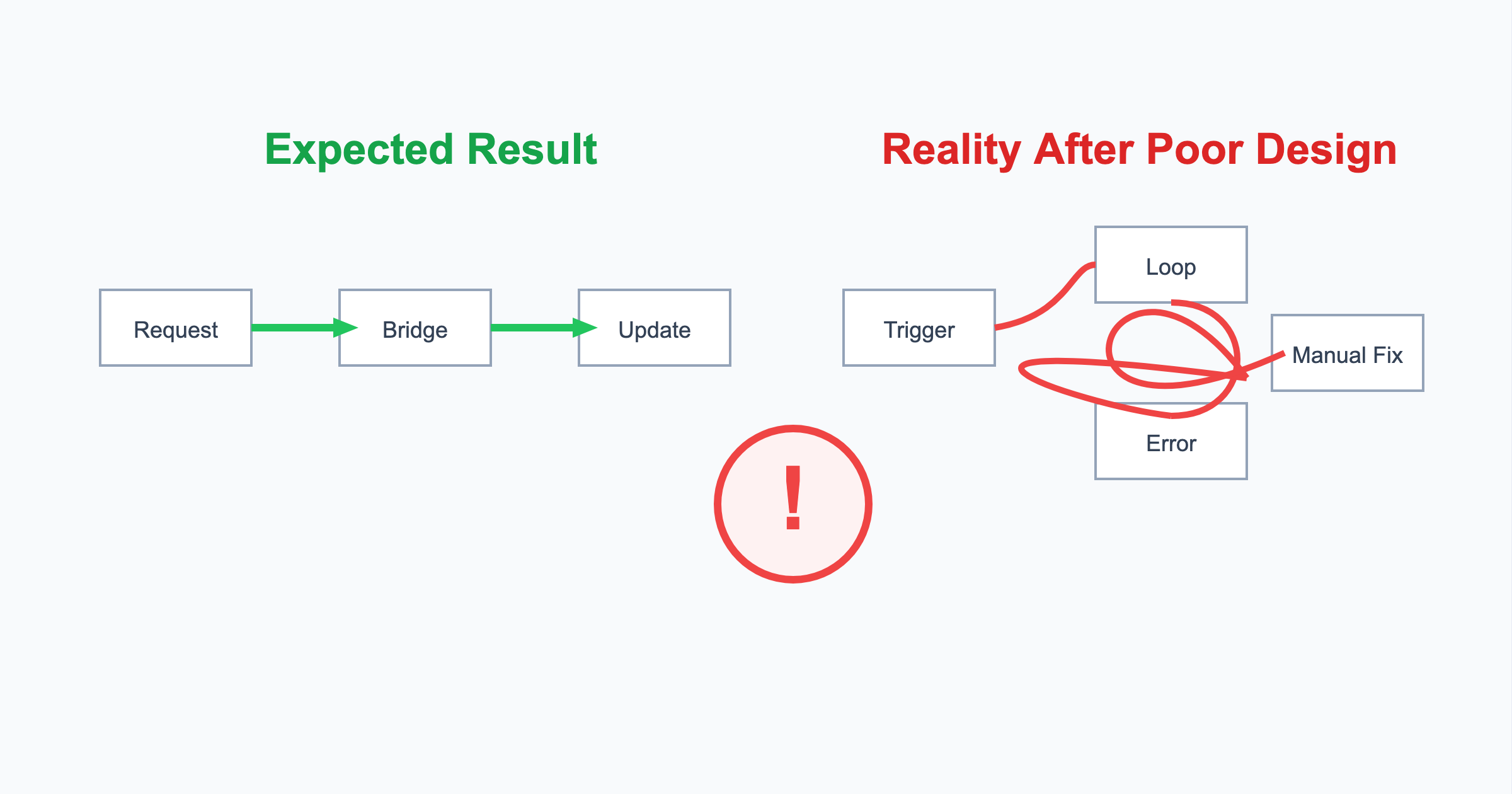
Bridge will faithfully automate whatever process you give it, including a process that was never fit for purpose. If a status reporting flow has three exception cases nobody agrees on, or an approval chain that already gets bypassed half the time in practice, wiring that into Bridge just makes the exceptions harder to see and harder to change. The workflow runs, the data moves, and the underlying problem is now buried inside a system fewer people understand.
Before any workflow gets built, I map the process on paper first. If it does not hold together as a simple diagram, it is not ready for Bridge.
Using Bridge when native automation is enough
Bridge has a licence cost, a learning curve, and a run log that someone has to monitor. Smartsheet's native automation, alerts, approval requests, and update requests, covers a large share of what teams actually need, at no extra cost and with far less to maintain. There is no point in a Bridge workflow doing the job that a native automation could have handled.
The question worth asking before any build is whether this could be done natively. If the answer is yes, that is usually the right answer.
Creating one giant workflow
It is tempting to build a single workflow that handles intake, notifications, data sync, and reporting in one pass, because it feels efficient to have everything in one place. In practice, a large monolithic workflow is difficult to test, difficult to hand over to someone else, and painful to debug when one module in the middle starts behaving unexpectedly. A single change request can mean touching a workflow with dozens of modules and no clear separation of concerns.
Smaller, single-purpose workflows connected through child workflows are easier to reason about, easier to test in isolation, and much easier to support long after the original builder has moved on.
No monitoring or error handling
A workflow that runs perfectly in testing will eventually hit a renamed column, a deleted row, or an API rate limit in production. Without error handling and a way to be notified when something goes wrong, that failure can sit unnoticed for days. Nobody is deliberately ignoring the problem, there is simply nothing telling them to look.
Every workflow I build includes explicit error paths and a notification step, so a failure surfaces immediately rather than being discovered when someone asks why the numbers look wrong.
Poor governance
Bridge workflows accumulate. Without a naming convention, an owner assigned to each workflow, and a record of what each one does and why, organisations end up with a workspace full of automations nobody wants to touch in case something depends on them. That uncertainty is its own maintenance cost, even before anything goes wrong.
Getting Bridge right
None of this makes Bridge the wrong tool. It makes Bridge a tool that deserves the same discipline you would apply to any piece of business-critical infrastructure: a clean process to automate, a clear reason to use it over the native alternative, sensible scope per workflow, proper error handling, and ownership that outlives the person who built it.
If you are looking at a Bridge implementation and are not sure whether it is solving a problem or creating one, get in touch and I will take a look.