

How to Organise Your Smartsheet Environment When It Has Gotten Out of Hand

Adrien Leduc
It starts innocently enough. One team creates a few sheets. Another department gets access and builds their own. Someone duplicates a sheet "just to test something" and never deletes it. Six months later, you have 40 sheets, three versions of the same tracker, and no one is sure which one is actually being used.
If your Smartsheet environment looks more like a cluttered shared drive than a structured system, you're not dealing with a Smartsheet problem. You're dealing with a governance problem, and the good news is it's fixable.
Here's how to approach it.
Step 1: Take stock of what you actually have
Before you can organise anything, you need to know what exists. Go to your Admin Center (if you're a System Admin) and look at the full list of sheets and workspaces across your account. You'll likely find:
- Sheets with names like "Copy of Copy of Project Tracker v3"
- Sheets that haven't been accessed in months
- Workspaces that were created for a project that ended a year ago
- Sheets shared with people who no longer work at the company
This audit is not fun, but it's the only way to understand what you're actually dealing with.
Step 2: Separate "live" from "archive"
Not everything needs to be deleted. Some sheets contain historical data that someone will eventually need. The problem is when old sheets sit alongside active ones, making it impossible to know what's current.
Create a dedicated "Archive" workspace and move anything that is no longer actively used into it. It stays accessible if needed, but it's no longer cluttering your day-to-day view.
A simple rule: if nobody has opened a sheet in 90 days and it's not a reference document, it belongs in the archive.
Step 3: Decide on a structure and stick to it
The most common mistake after a cleanup is going back to creating sheets wherever feels convenient. Structure only works if it's consistent.
A reliable approach for most mid-size teams is to organise by workspace per department or function, with folders inside each workspace for individual projects or processes. Every sheet, report, dashboard, and form related to a given project lives in that project's folder, nothing more.
The workspace controls sharing permissions. The folder keeps things tidy. The naming convention (more on that below) makes things findable.
Step 4: Agree on a naming convention
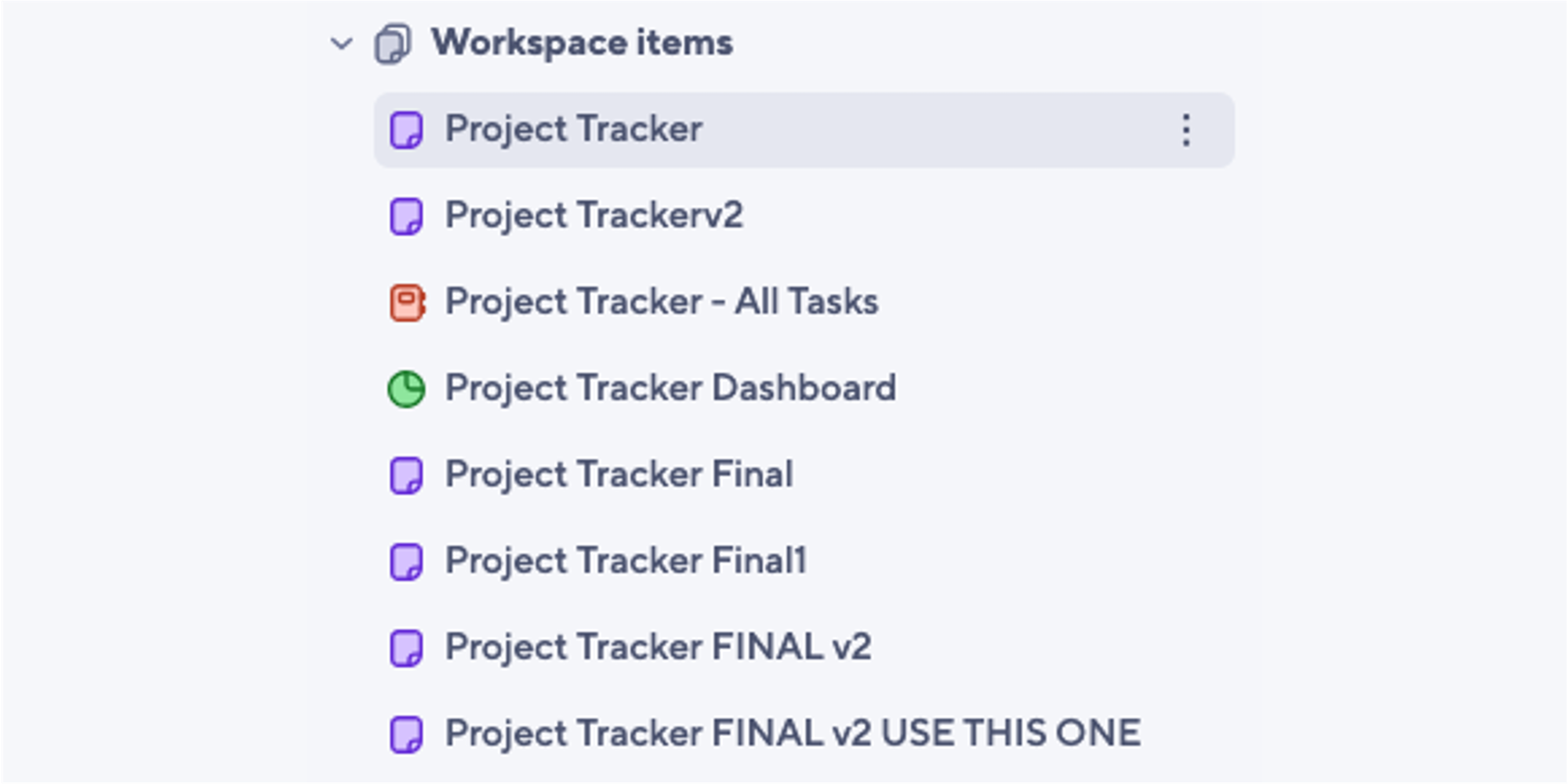
"Project Tracker", "Project Tracker Final", "Project Tracker FINAL v2 USE THIS ONE" is not a naming convention. It's chaos.
Pick a simple format and enforce it. Something like:
[Department] - [Project or Process] - [Sheet type]
For example: "Operations - Onboarding - Task Tracker" or "Marketing - Q3 Campaign - Dashboard."
It takes five minutes to agree on and saves hours of searching later.
Step 5: Assign ownership to each workspace
Every workspace should have a clear owner, someone who is responsible for keeping it tidy, archiving finished projects, and making sure the naming convention is followed. Without ownership, things accumulate again within weeks.
This doesn't need to be a full-time job. It just needs to be someone's job.
What about preventing this from happening again?
Cleaning up is the easy part. Keeping things clean is harder, because it requires a small amount of ongoing discipline from everyone who uses the platform.
A few things that help:
- New sheets always go into the right workspace and folder, never into "My Sheets"
- Duplicated or test sheets get deleted within a set timeframe, not left indefinitely
- When a project closes, the workspace owner archives it before moving on
This is what Smartsheet governance actually means in practice. It doesn't require expensive add-ons or complex processes. It just requires agreement on a few simple rules and someone to uphold them.
A great way to manage this is to use Smartsheet Control Center Premium App. Learn how to automate your entire project portfolio here.
When the mess is too deep to tackle alone
Sometimes the environment has grown to a point where a proper cleanup takes real time and expertise, especially if sheets are cross-referencing each other, automations are built on top of old structures, or nobody is sure what's connected to what.
In those cases, bringing in outside help for a one-time audit and restructure is often faster and less risky than trying to untangle it internally.
If your Smartsheet environment has grown beyond what feels manageable, use the contact form below to get in touch. A structured cleanup is usually quicker than you'd expect.
