Stop Chasing Projects: How We Automated the Entire Project Portfolio

Adrien Leduc
Most teams don't have a project problem. They have a visibility problem.
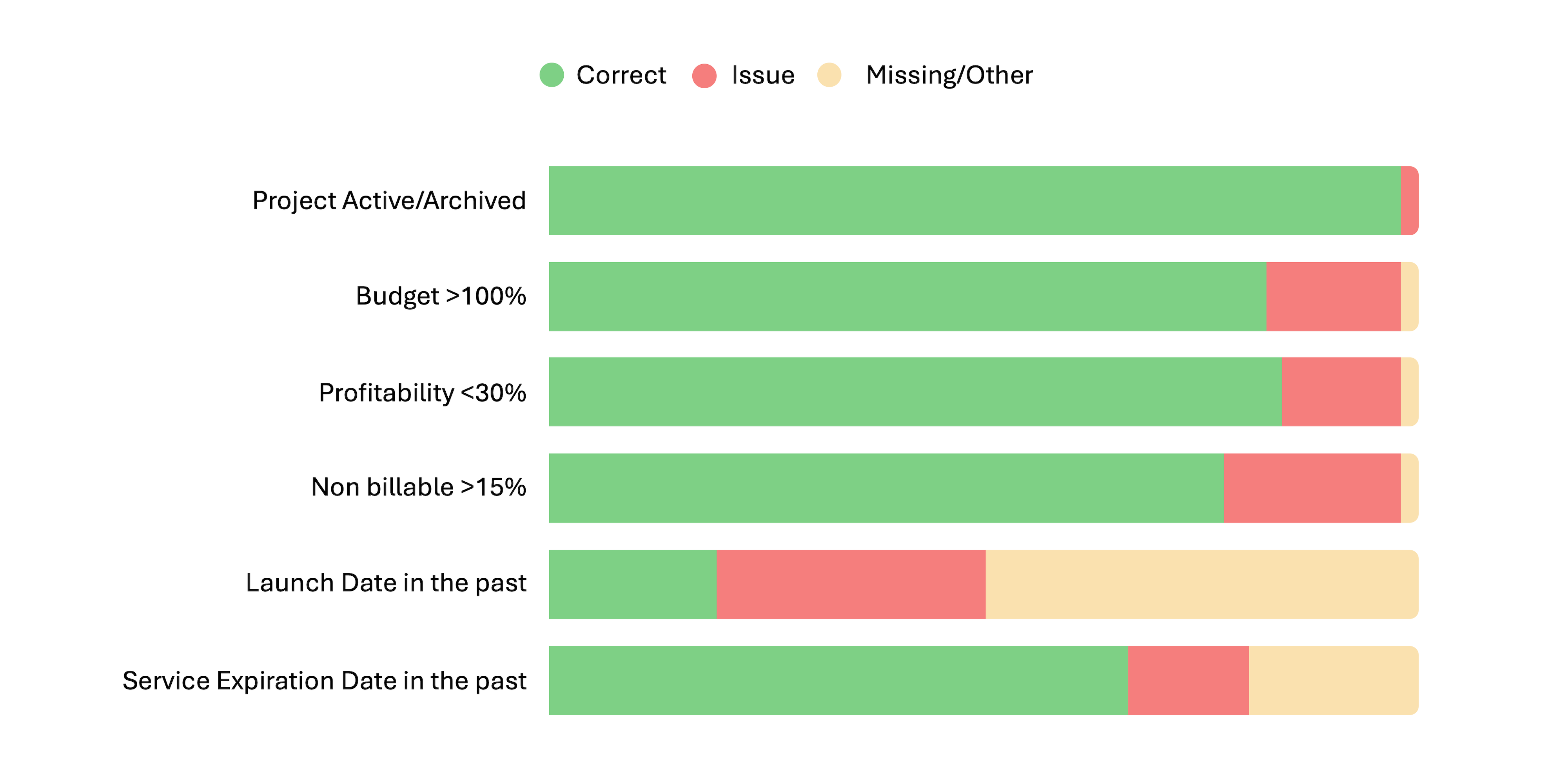
Are you aware of all the projects your teams are delivering? Do you know if they're all being paid for? Do you keep chasing for updates on their delivery? I've seen it: we start a project early, or with a budget we think we have, and when it's pulled, no one is informed, because platforms aren't talking to each other and people forget.
The root cause is almost always the same: no centralised project portfolio, manual data entry nobody trusts, and custom work slipping through unpaid because there was no written validation before delivery began.
Here's what that actually costs you:
- Revenue leaked on custom projects delivered without sign-off
- Time wasted on double entries between your CRM and project tools
- Stakeholders making decisions on outdated or incomplete portfolio data
What we built
We connected Salesforce directly to a structured intake sheet, so the moment a deal closes or confirmed, a project folder and template is created and the project portfolio gets provisioned. No copy-paste, no manual line creation.
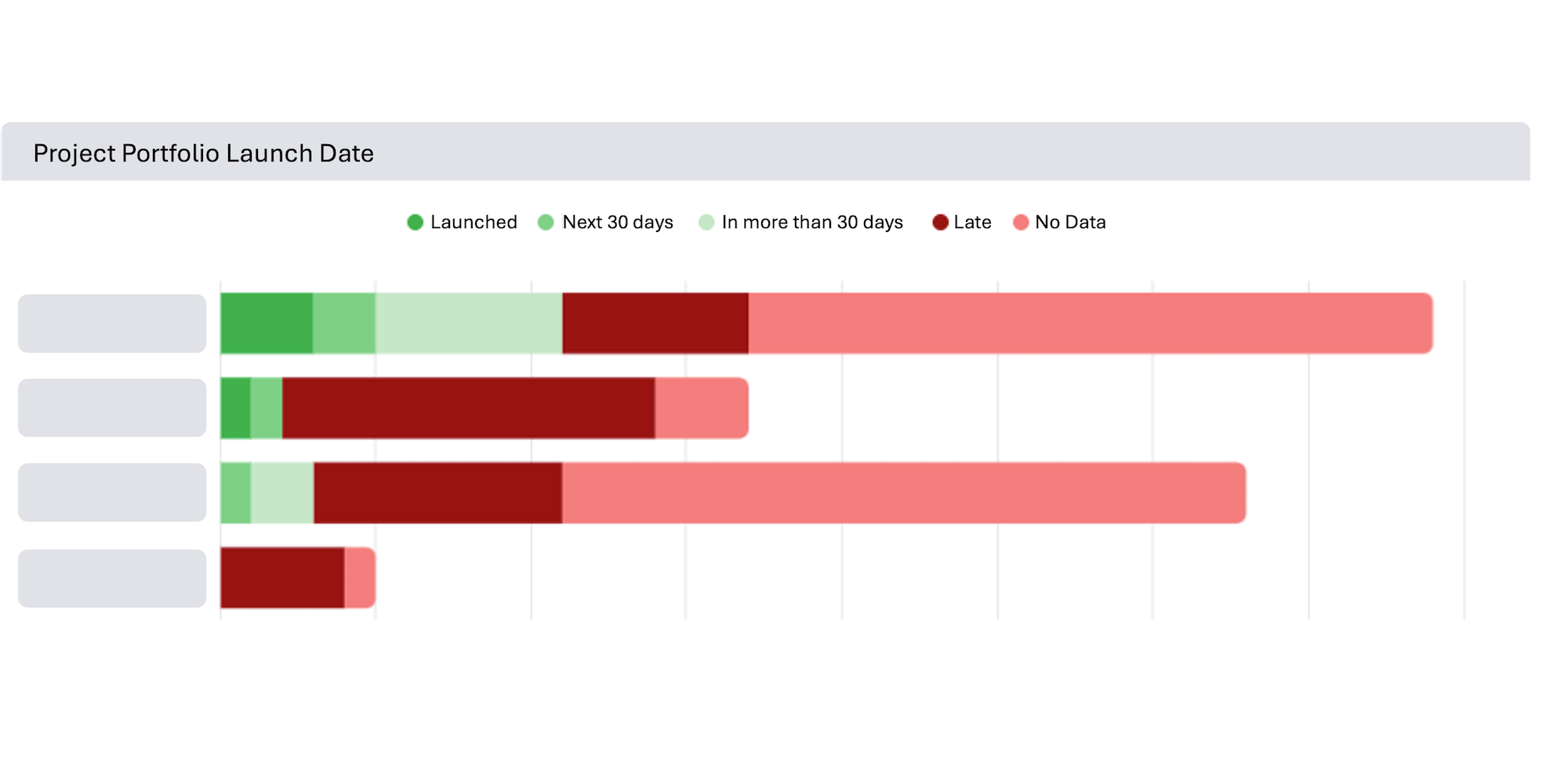
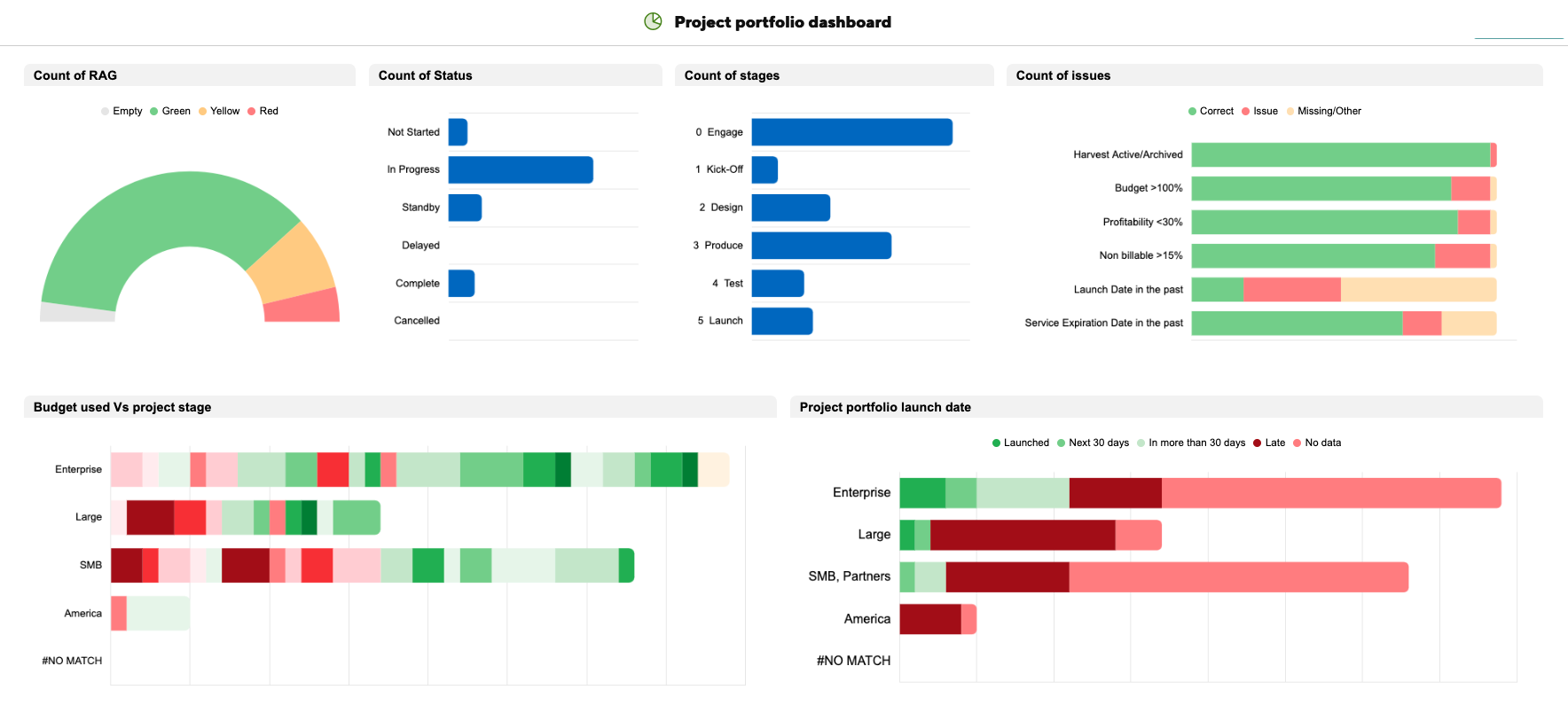
From that intake sheet, project toolkits (all you need to manage the project) are created from templates through a control centre, and a live summary sheet becomes the single source of truth for project assignment and portfolio visibility. Reports pull directly from it, so every stakeholder sees exactly what they need, filtered to their role, without anyone having to maintain a separate deck or chase a status email.
The outcome
- No more unpaid custom projects. Written validation is now baked into the workflow before delivery begins.
- Portfolio visibility without admin overhead. Relevant stakeholders have a real-time view, scoped to their profile.
- Project completion updates itself. It flows from the project sheet directly to the project portfolio automatically.
If any of this sounds familiar, let's talk.
If you have access to Smartsheet premium apps: Smartsheet Salesforce Connector and Control Center, we can set this up together. Use the form below to let me know about your case and I'll reach back.