

When Smartsheet automations aren't enough and you need Bridge

Adrien Leduc
Smartsheet's built-in automations are genuinely useful. Send an alert when a status changes, request an update when a deadline is approaching, lock a row when a form is submitted. For straightforward, single-sheet processes, they do the job well.
But most organisations don't have straightforward processes. And at some point, you hit a wall.
What native automations can't do
Most Smartsheet automations live on the sheet they're built on. They can notify, they can move rows, they can trigger update requests, but they can't reach across your environment and orchestrate something more complex.
They also can't talk to other systems in any meaningful way. If you need a workflow that reads data from one sheet, checks a condition, writes to another sheet, and then pushes something to an external tool, you're out of luck with native automations. You'd be building a chain of workarounds that breaks the moment something changes.
Where Bridge comes in
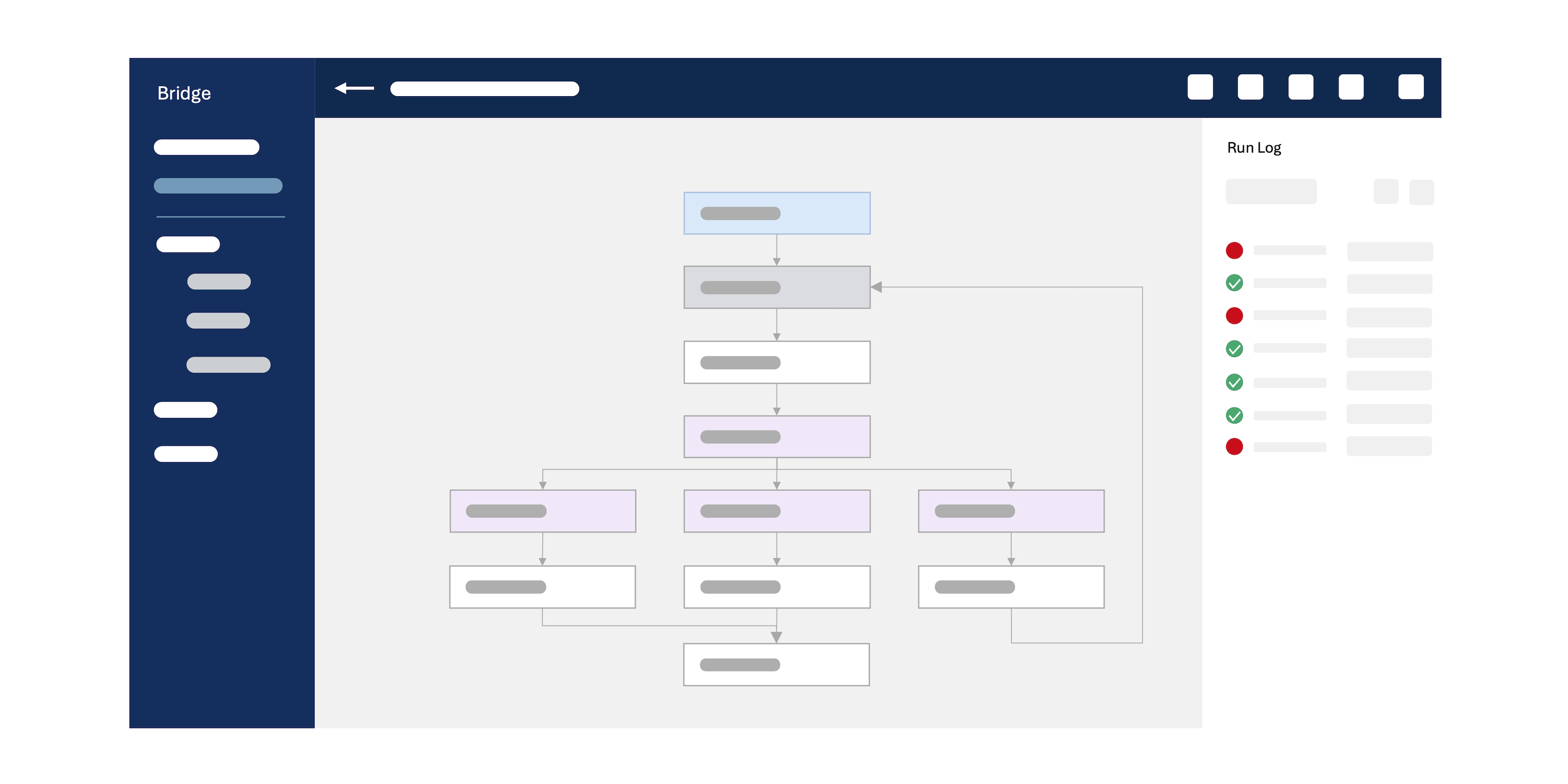
Bridge is Smartsheet's workflow automation layer, and it operates at a different level entirely. It's cross-sheet by design, it supports branching logic, it can call external APIs, and it can run JavaScript for anything that needs real calculation or transformation.
Concretely, Bridge is what you reach for when you need to:
- Automate actions across multiple sheets or workspaces without manual intervention
- Connect Smartsheet to external systems like ServiceNow, SharePoint, or your own internal tools
- Build conditional logic that goes beyond "if this column equals X, send an email"
- Share or provision assets programmatically as part of a broader workflow
- Run scheduled processes that depend on dynamic data, not just a fixed time trigger
Some concrete examples
- Probably one of the most common use case for Bridge is when you need to add a link from your control center sheet to Salesforce. Unfortunately Control Center doesn't give you hyperlink, so you'll need to use a simple bridge workflow to surface it.
- If you're using a sheet to keep track of your teams, like a manager-employee reference table for example, you can automate which groups people move to in your admin automatically.
- Sometimes you need to customise the drop-down options of a field, for a form for example, Bridge can customise the drop-down options based on any criteria.
- Comments usually live in their own interface in Smartsheet. But if you want to surface them in a cell, you can use Bridge to extract and concatenate them in a cell.
- Some Smartsheet fields become un-editable by the classic automation or formulas when you turn on dependencies or Resource Management. Smartsheet Bridge will allow you to bypass some of these limitations, so you can change dates, for example.
The question is rarely "should I use Bridge", it's "how do I configure it properly"
Bridge has a learning curve. The interface is visual, but the logic underneath is closer to programming than most people expect. Poorly designed Bridge workflows are common, and they sometimes fail without any notification, which makes them harder to notice than a broken sheet automation.
If your team has Bridge as part of your Smartsheet plan but it's sitting unused, or if you've started building workflows that don't behave as expected, that's usually a design problem rather than a platform limitation.
Getting it right from the start, or untangling something that's grown organically, is exactly the kind of work I do.
If you you're starting with Smartsheet Bridge, you can check this article: Start with Smartsheet bridge.
If you'd like a second pair of eyes on your Smartsheet setup, or you're not sure whether Bridge is the right tool for what you're trying to build, use the form below to get in touch.
